
Answer: Claude prompts for ads work best as a library, not as one-off chats. The 40 prompts below cover hooks, UGC scripts, claim-safe rewrites, creative briefs, tests and QA, and each one tells Claude to use only the facts you supply. Set them up inside a Claude Project with your offer sheet and banned claims, paste prompt 40 as the Project instruction, then run the task prompts per job. Claude Pro costs $17 a month on annual billing or $20 month to month (checked on claude.com on 17 November 2026), and the free plan allows up to five Projects.
I built this list for performance teams who brief UGC creators, AI avatar tools and video models every week. The prompts are deliberately strict. They ask Claude to refuse when facts are missing, to flag risky lines instead of quietly rewriting them, and to keep outputs short enough to shoot. If you want worked examples of the outputs first, read Claude examples for ad copy, hooks and creative briefs.
How to use this library
- Paste the Project system prompt (number 40) first, then reuse it for every job on that brand.
- Replace the double-brace tokens such as {{facts}}, {{banned}} and {{product}} with your real inputs.
- Never ask Claude to invent testimonials, lab results, prices or performance numbers.
- Run a human claim check before anything goes to production.
What changed in Claude this month, and why it matters for ad prompts
Anthropic shipped a lot in November 2026. On 9 November it released Claude Fable 5.2 and Mythos 5.2, which Anthropic says generate output up to 30% faster than the 5.1 versions at a lower API price. A day later, TechCrunch reported the launch of Claude Meetings, Whiteboards and Sheets. Sheets lets a team ask Claude to build a working tracker, and TechCrunch’s own example is a campaign tracker. Whiteboards turns a brainstorm into a shared board that Claude can later convert into a doc or slide deck.
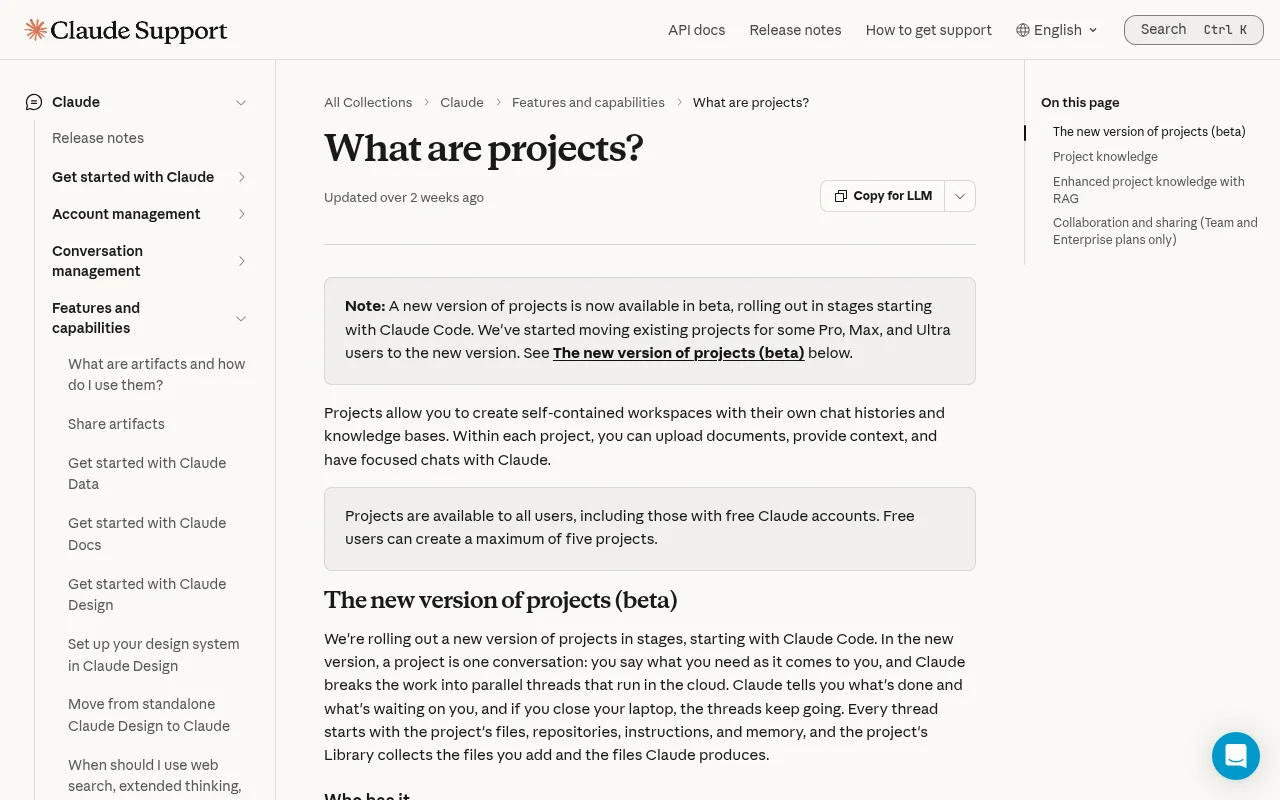
For ad teams this changes where the prompts live more than how they read. A hook board can now sit in a Sheet the whole team edits. A brief can start as a Whiteboard during the kickoff call. Projects are also changing: Anthropic’s help center says a new version of Projects is rolling out in beta, starting with Claude Code, and The Verge covered the Projects relaunch in September. The constant is the input. A model with more tools still writes weak ads when it gets a vague brief and no offer facts.
Which Claude plan you need for these prompts
Most of the 40 prompts run on any plan, because they are plain text in, plain text out. The plan matters when you want Projects with files, heavier daily usage or team sharing. These are the self-serve prices on claude.com/pricing as of 17 November 2026:
| Plan | Price | What matters for ad prompts |
|---|---|---|
| Free | $0 | Artifacts, web search and up to 5 Projects, with limited usage every 5 hours and every week |
| Pro | $17/month billed annually ($200 up front) or $20 monthly | More usage, unlimited Projects, Opus models, Claude Sheets and Whiteboards (beta) |
| Max | $100/month | 5x Pro usage, Fable included up to half your weekly limit, $100 a month in API credits |
| Ultra | $200/month | 10x Pro weekly usage, no 5-hour limit for verified accounts, $200 a month in API credits |
| Team | See the Team & Enterprise tab | For 2 to 150 people, with Project sharing and collaboration |
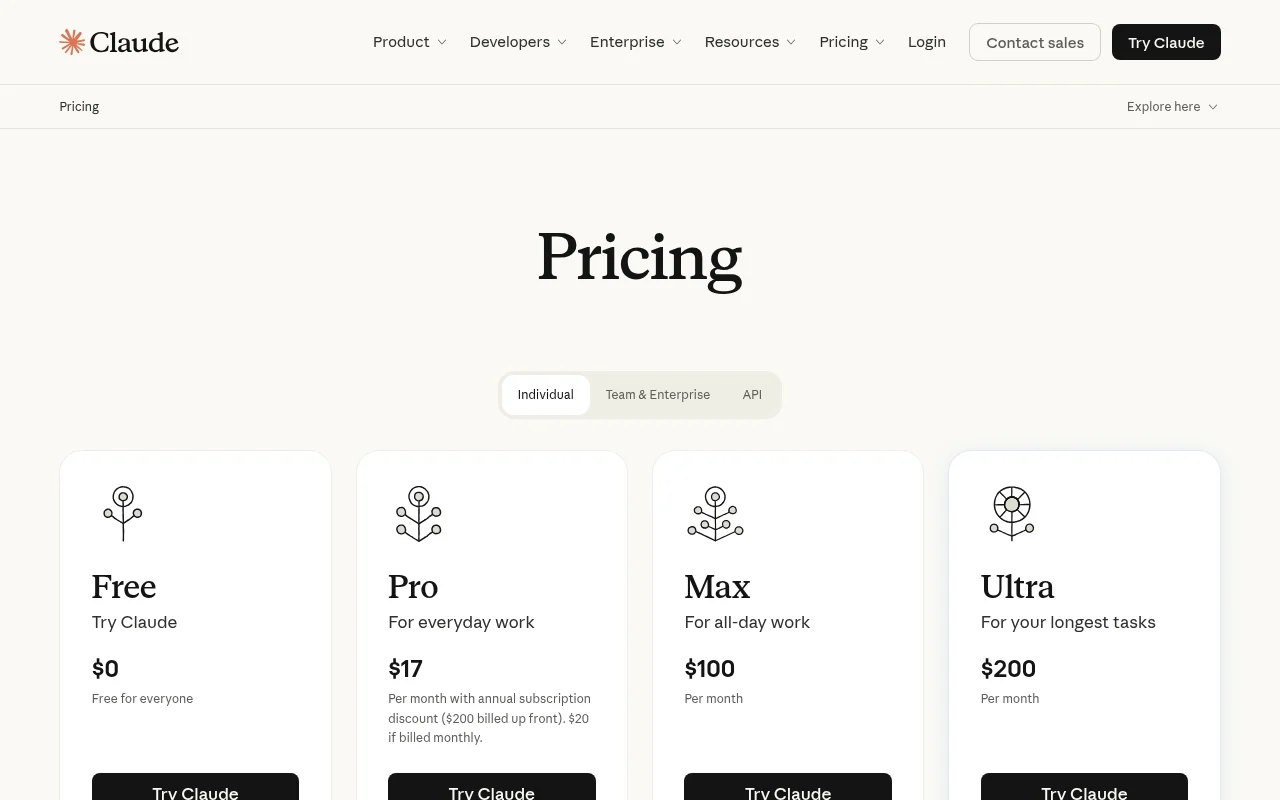
Prices exclude tax and Anthropic says they can change, so check the page before you budget. If you are deciding between Claude and an agent that does research and browsing for you, our Grok Bot vs Claude comparison covers who should use which.
How Anthropic says to approach prompt engineering
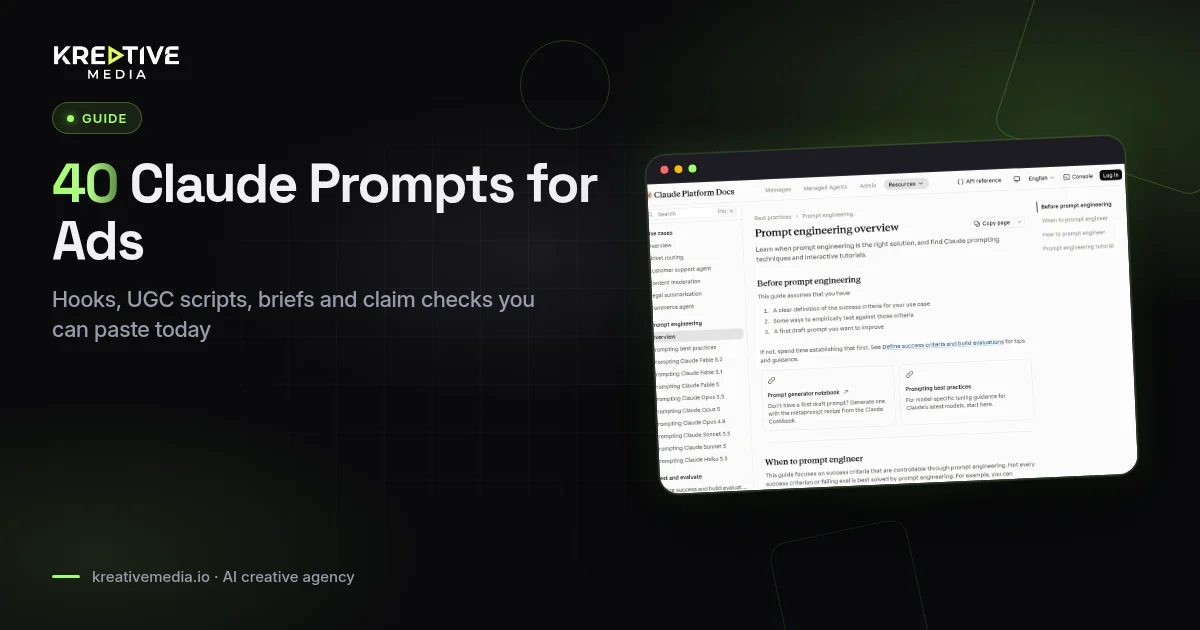
Anthropic’s prompt engineering overview opens with three conditions before you tune a prompt: a clear definition of success, a way to test against it and a first draft to improve. That is the right order for ads too. Decide what a good hook looks like (for example, under 12 words, one claim, no banned phrases), then judge each output against that rule instead of against your mood that afternoon.
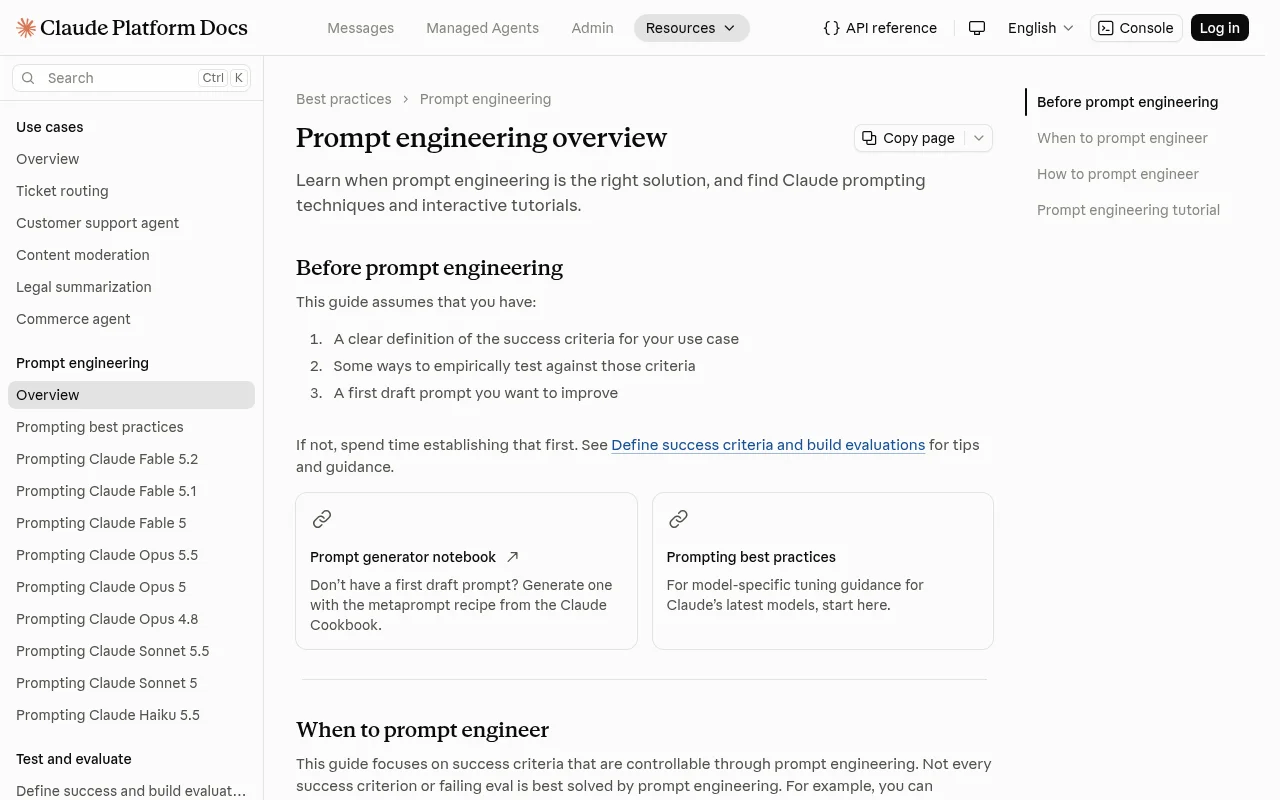
The docs also keep separate prompting guides for the current model families, including Fable 5.2, Opus 5.5, Sonnet 5.5 and Haiku 5.5. In practice, Sonnet handles almost everything on this list. Keep the larger models for long research packs and multi-file briefs where the extra reasoning pays for itself.
Setup checklist before you paste prompts
- Create a Claude Project for the brand. Free accounts can create up to five.
- Upload the offer facts, the banned claims list and three on-brand ad samples as Project files.
- Add the system prompt from prompt 40 to the Project instructions.
- Decide which outputs become Artifacts (briefs, tables, rubrics) and which stay as chat drafts.
- Connect the next step to production: Arcads for avatar UGC, Kling or Seedance for video and Meta’s AI disclosure rules before launch.
The 40 Claude prompts for ads
Each prompt is written to be pasted inside a Project that already holds your brand files. Where a prompt needs extra input, it shows a double-brace token. Swap the token for your real material and keep the rest of the wording, because the restrictions (no invented metrics, no fake scarcity, only approved facts) do most of the work.
Hooks and angles (prompts 1 to 10)
1. Hook board from offer facts
You are a performance creative director. Using only the offer facts below, write 12 hooks under 12 words. No medical claims. No em dashes. Tag each hook as curiosity, pain, proof or offer.

OFFER FACTS:
{{facts}}
Use it when: Start of every new concept. The tags make it easy to see if your board leans too hard on one angle.
2. UGC script, 30 seconds
Write a 30-second UGC script with Hook, Problem, Demo, Proof, CTA. Spoken tone, not brochure tone. Max 85 words spoken. Banned phrases: {{banned}}

PRODUCT:
{{product}}
Use it when: You have an approved hook and need something a creator or an AI avatar can read without tripping.
3. Claim-safe rewrite
Rewrite the ad copy below to remove absolute claims and add cautious wording. Keep the offer clear. Output a table: original line | risk | rewritten line.

COPY:
{{copy}}
Use it when: Before legal review, so the reviewer sees the risky lines already flagged.
4. Creative brief Artifact
Create a one-page creative brief as an Artifact with objective, audience, single-minded proposition, mandatory demo moments, banned claims, primary CTA and success metric definition. Use short bullets. Use only the files in this Project.Use it when: Handing work to a designer, editor or UGC creator who was not in the planning call.
5. Angle families from a research pack
Read the research pack. Propose 5 angle families. For each: name, why it might work, first hook, risk note. Do not invent competitor metrics.Use it when: After an ad library sweep. Pair it with the workflow in our competitor research guide.
6. Landing page message match
Given the ad script and landing page outline, list mismatches in promise, proof and CTA. Suggest edits to the ad, not the page, unless noted.Use it when: A script is approved but the page it points to was written months ago.
7. Skincare compliant hooks
Generate 10 skincare hooks that avoid disease claims and miracle language. Prefer routine, texture, fit-with-day and social-proof angles. Use only the facts in {{facts}}.Use it when: Beauty and skincare accounts where one wrong word gets the ad rejected.
8. Supplement caution pass
Flag any line in this supplement script that needs legal review. Explain why in one sentence each. Do not rewrite until asked.

SCRIPT:
{{script}}
Use it when: Any health-adjacent product. Asking Claude to flag first, rewrite later, keeps the reviewer in charge.
9. Hook to thumbnail text
For each hook below, propose 3 thumbnail text options under 4 words and a visual direction in one line.

HOOKS:
{{hooks}}
Use it when: Turning a hook board into the first frame and cover text of a short video.
10. Competitor angle translation
Translate the competitor angle families below into our brand voice using our Project rules. Keep our offer facts. Do not copy slogans or distinctive phrases.Use it when: You found an angle that works for a competitor and want your own version of it, not a copy.
Scripts and formats (prompts 11 to 20)
11. Email from a winning ad
Turn this winning ad script into a plain-text email with subject, preview, body and P.S. Keep claims identical to the approved script.Use it when: A script has proved itself in paid social and you want the same message in your email flow.
12. Retargeting variants
Write 5 retargeting hooks for people who viewed the product page but did not purchase. No fake scarcity, no countdowns that are not real.Use it when: Building the warm-audience layer of a campaign.
13. Founder voiceover script
Write a 20-second founder voiceover that sounds like a person talking, admits one limitation and states one proof point from the facts list only.Use it when: Founder-led brands where trust matters more than polish.
14. Objection map for ads
List 8 purchase objections and a one-sentence ad rebuttal for each, using only approved facts. Mark any objection our facts cannot answer.Use it when: Planning a batch of objection-handling ads or FAQ-style UGC.
15. Batch naming scheme
Propose a creative naming scheme for Meta Ads Manager that encodes angle, hook ID, offer and edit version. Show 5 example names.Use it when: Before launch, so reporting can be sorted by angle and hook later.
16. Storyboard beats
Turn this 30-second script into 6 storyboard beats with on-screen action and text overlay for each beat.Use it when: Briefing an editor, or building shot prompts for a video model.
17. Localisation tone pass
Adapt this US English script to {{market}} English. Keep offers and legal meaning. Flag idioms that will not travel.Use it when: Running the same offer in the UK, Australia or India.
18. UGC creator brief
Write a creator brief with do's, don'ts, mandatory product handling, talking points and examples of lines to avoid.Use it when: Before you send product to creators. A clear brief cuts reshoots.
19. Pain, agitate, solve without hype
Rewrite this script using the PAS structure without insulting the customer or exaggerating the pain.Use it when: Problem-led products where PAS copy tends to slide into fear.
20. Proof hierarchy
Order the available proof assets from strongest to weakest for cold traffic. Explain each rank in one line.

PROOF ASSETS:
{{proof}}
Use it when: You have reviews, press mentions, a demo and a guarantee, and need to decide what goes in the first five seconds.
Claims, compliance and QA (prompts 21 to 30)
21. Offer stack clarity
Clarify this bundle offer in spoken language a tired parent understands in one listen.Use it when: Bundles and tiered offers that read fine on a page but confuse people in audio.
22. Fake UGC tells
List visual and verbal tells that make AI UGC look fake, then rewrite the script directions to avoid them.Use it when: Any script headed for an AI avatar tool. See the production fixes in our AI UGC ads guide.
23. A/B test hypotheses
Write 3 creative test hypotheses in the format: if we change X, we expect Y, because Z. No guaranteed outcomes.Use it when: Planning a test so the result teaches you something even if it loses.
24. Hook graveyard analysis
Given these losing hooks and their notes, cluster the likely failure reasons and propose 5 replacement directions.Use it when: After a test round. Feed it the hooks and your notes, not invented numbers.
25. Policy pre-flight checklist
Produce a pre-flight checklist for Meta UGC ads covering AI disclosure, before/after risk and prohibited claims.Use it when: Before every launch. Check it against Meta’s current rules, which we summarise in our disclosure guide.
26. Product page bullet compression
Compress these product page bullets into 5 spoken lines for a talking-head ad without sounding like a spec sheet.Use it when: Tech and gadget products with long feature lists.
27. Seasonal angle shift
Adapt the evergreen script for {{season}} without inventing discounts that are not in the facts.Use it when: Black Friday, back to school or any seasonal push.
28. Competitor claim diff
Compare our approved claims list to the competitor lines in the pack. Output only the gaps we can fill with approved claims.Use it when: Finding white space without promising things the product cannot back up.
29. Creative QA rubric
Build a 10-point QA rubric editors can score 0-2 on before a script is approved.Use it when: Teams with more than one writer, so approval is not one person’s mood.
30. Cutdowns
Split this 60-second script into a 15-second cutdown and a 30-second cutdown. Mark which proof must remain in each.Use it when: Getting placements for Reels, Stories and in-feed from one master script.
Testing, reuse and operations (prompts 31 to 40)
31. Sound-off ad
Write an ad that works on mute with on-screen text beats only, still matching the audio script's promise.Use it when: Feeds where many people scroll with sound off.
32. Brand voice calibration
Here are 5 on-brand and 5 off-brand lines. Infer the rules, then rewrite the draft to match.Use it when: A new client or a new writer, before you trust any output.
33. Post-purchase upsell script
Write a post-purchase upsell UGC script that feels helpful, not pushy, using only approved add-on offers.Use it when: Thank-you pages and post-purchase flows.
34. Wholesale angle
Adapt these DTC UGC angles for a wholesale buyer audience. Change the proof and CTA accordingly.Use it when: Brands selling to stockists as well as consumers.
35. Sensitive news week review
Given this news context, list which live ads should pause and which lines need softening. Be conservative.Use it when: A news event makes some of your creative tone-deaf overnight.
36. Analytics note to creative asks
Turn this analytics note into three specific creative asks the team can shoot this week.Use it when: Closing the loop between the media buyer and the creative team.
37. Affiliate angle pack
Create 8 angles affiliates can use without trademark misuse or unverified income claims.Use it when: Affiliate and creator programs where you do not control the final copy.
38. Podcast clip to ad
Turn this podcast transcript excerpt into a 30-second ad while preserving the meaning and removing filler.Use it when: Founder interviews and podcast appearances you want to reuse in paid social.
39. Iterative edit round
Apply only these editor comments. Do not regenerate from scratch. Return a short summary of each change.Use it when: Second and third drafts, so Claude stops rewriting lines you already approved.
40. Project system prompt
Draft a Project instruction for our brand covering tone, banned claims, offer source of truth, output formats and refusal rules when facts are missing.Use it when: Day one. Paste the result into the Project instructions before you use any other prompt.
Editing rules after Claude responds
Delete anything you cannot source. Remove empty intensifiers. Check that every number matches the offer sheet. If a hook needs proof the brand does not have, kill the hook rather than softening it until it means nothing. Then read the script out loud. If you stumble, a creator will too.
For cost and rights context while you plan volume, keep how much AI video ads cost and is Seedance safe for commercial use nearby. Prompts do not remove render bills or commercial-use limits. When a script is headed for a video model, our Kling prompts for product videos pick up where prompt 16 leaves off.
How to tell if the library is working
Track three numbers every editor can collect without a BI tool. First, time from brief request to an approved script. Second, edit rate: how many lines a person rewrites before the shoot. Third, rejection rate: drafts thrown away because the angle was wrong. Put them in a shared sheet every Friday. After four weeks you will know whether the prompts save hours or move the same work into review meetings.
Don’t tie the library to ROAS in the first month. Media results depend on offer, audience, season and landing page as much as on the script. If leadership wants a money number, convert hours saved into the loaded hourly cost of the people doing the work, and label it as an estimate.
Log failures in the same sheet: hooks Claude padded with claims you never gave it, scripts that ran over length, briefs missing the CTA. Each failure points to a line you should add to the Project instruction. Teams that update the instruction weekly get better output than teams that keep adding new prompts.
To keep up with platform and model changes that affect these prompts, check our monthly AI news for marketers roundup. For research input before prompt 5 and prompt 28, see how AI agents help with competitor ad research.
FAQs
Do these Claude prompts for ads work on the free plan?
Yes, most of them do. The free plan includes Artifacts and up to five Projects, but usage is limited every 5 hours and every week. Teams writing scripts daily usually need Pro or higher. Check current limits on claude.com/pricing.
How much does Claude Pro cost?
On 17 November 2026, Claude Pro was $17 a month with annual billing ($200 up front) or $20 billed monthly. Max was $100 a month and Ultra $200 a month, before tax.
Should I put all 40 prompts into one Project?
No. Put the system prompt and brand files in the Project instructions and knowledge. Keep the 39 task prompts as a library you paste per job, so the Project context stays focused on the brand.
Can Claude invent winning ads?
It can draft many options quickly. Whether one wins still depends on tests, a real offer and honest proof. That is why every prompt here forbids invented metrics and testimonials.
How do I stop AI UGC scripts sounding fake?
Use prompts 2, 22 and 32, read the script out loud, then apply the production fixes in our AI UGC ads guide.
Which Claude model should I use for ad copy?
Sonnet covers most hook, script and rewrite work. Use the larger Opus or Fable models for long research packs and multi-file briefs. Anthropic publishes separate prompting guides for each current model family.
Can I share Claude outputs with clients as-is?
No. Every output needs an editor pass and, for regulated categories such as skincare or supplements, a legal review before it reaches a client or a creator.
How often should we refresh the prompt library?
Update it the same week your offer, banned claims or platform policies change. Review the Project instruction at least once a month.
Where do Grok Bot research packs fit?
Run the research first, clean it, then feed it into prompts 5, 10 and 28 in Claude. Our Grok Bot examples show what those research packs look like.