
The best AI jewelry product photography tool depends on the job. Photoroom and Claid are the safest picks for marketplace listings because they keep your real photo of the piece and only change the background. Flair AI and Pebblely are quicker routes to styled lifestyle scenes. Nano Banana Pro (Google’s Gemini 3 Pro Image) is the strongest option here for putting a ring or necklace on a model, and Midjourney V8.2 is best kept for campaign mood shots with your real product composited in. Plans start at $7.50 a month for Photoroom Pro billed yearly, $8 for Flair Pro, $9 for Pebblely Lite and $10 for Midjourney Basic, while Nano Banana Pro costs $0.134 per 2K image through the Gemini API. We checked every price on the official pricing pages on 22 November 2026.
This guide compares six tools using their current plans, documentation and features, plus what jewelry needs from an image tool. We have not run a scored test bench on these tools for this article, so there are no invented scores or “usable image” rates below. What you get is how each tool treats your real piece, what it costs, which plan you need and where each one tends to break on metal, stones and chains.
Best AI jewelry product photography tools at a glance
| Tool | Best for | How it treats your piece | Starts at (checked 22 Nov 2026) |
|---|---|---|---|
| Photoroom | Clean backgrounds and listings at volume | Cuts out your photo and replaces the background | Pro $7.50/month billed yearly (Max $20.99, Ultra $82.50) |
| Claid | Catalog teams and API batch work | Background generation, upscaling and edits on your photo | Free trial with 50 credits; Essentials, Pro and custom Business plans |
| Flair AI | Styled flat lays and on-model scenes | Canvas with your product placed among props | Free plan; Pro $8/month, Pro+ $26/month |
| Pebblely | Small stores that want fast themed scenes | Preset themes around a cut-out | Lite US$9/month (30 images) |
| Nano Banana Pro | On-model edits and engraved text | Regenerates the scene from your reference images | $0.134 per 1K/2K image, $0.24 per 4K image (Gemini API) |
| Midjourney V8.2 | Editorial mood and campaign scenes | Reinterprets the piece, so composite the real product | Basic $10/month ($8 billed yearly) |
One rule covers all six: AI may change the background, light and scene, but it should never change the product. Everything below follows from that.
Want this done for you? Kreativemedia makes AI product visuals for ecommerce brands. Contact us or see our AI static ads service.
Why is jewelry so hard for AI product photography?
Jewelry fails in AI tools for three reasons. First, polished metal is a mirror. The tool has to invent a believable environment in the reflection, and most models either flatten the metal into matte grey or reflect a scene that doesn’t match the background.
Second, the details that sell jewelry are tiny: prongs, clasps, chain links, engraving and stone facets. Diffusion models redraw small high-contrast detail, so a four-prong setting can come back with five prongs, or a box chain can turn into a rope chain.
Third, scale is easy to get wrong. A pendant that looks right on a white sweep can come back the size of a coin on a model’s neck.
That is why a pretty first output proves nothing. Compare every result against the original packshot at 100% zoom, and treat an image as usable only if a customer would receive exactly what it shows. The jewelry platforms have noticed the same problem: in its October 2026 update, NeuroViz says its newer model “stays truer to your piece” and lets you switch off gemstone retouching when a centre stone must stay exactly as photographed.
How we compared these tools
We read each tool’s pricing page, plan limits and product documentation on 22 November 2026 and judged them against the checks a jewelry image has to pass:
- Prong and setting count matches the original.
- Chain pattern matches at 100% zoom.
- Scale on a model is believable against a known reference (a ring on a hand, a pendant at the collarbone).
- Metal reflections and contact shadows fit the new scene.
- Output size is high enough for zoom on a product page.
The biggest split is between tools that keep your pixels (background editors) and tools that regenerate the whole image (generative models). Keep that split in mind as you read the six sections below. For more on our process, see how we research.
1. Photoroom: best for clean backgrounds at volume
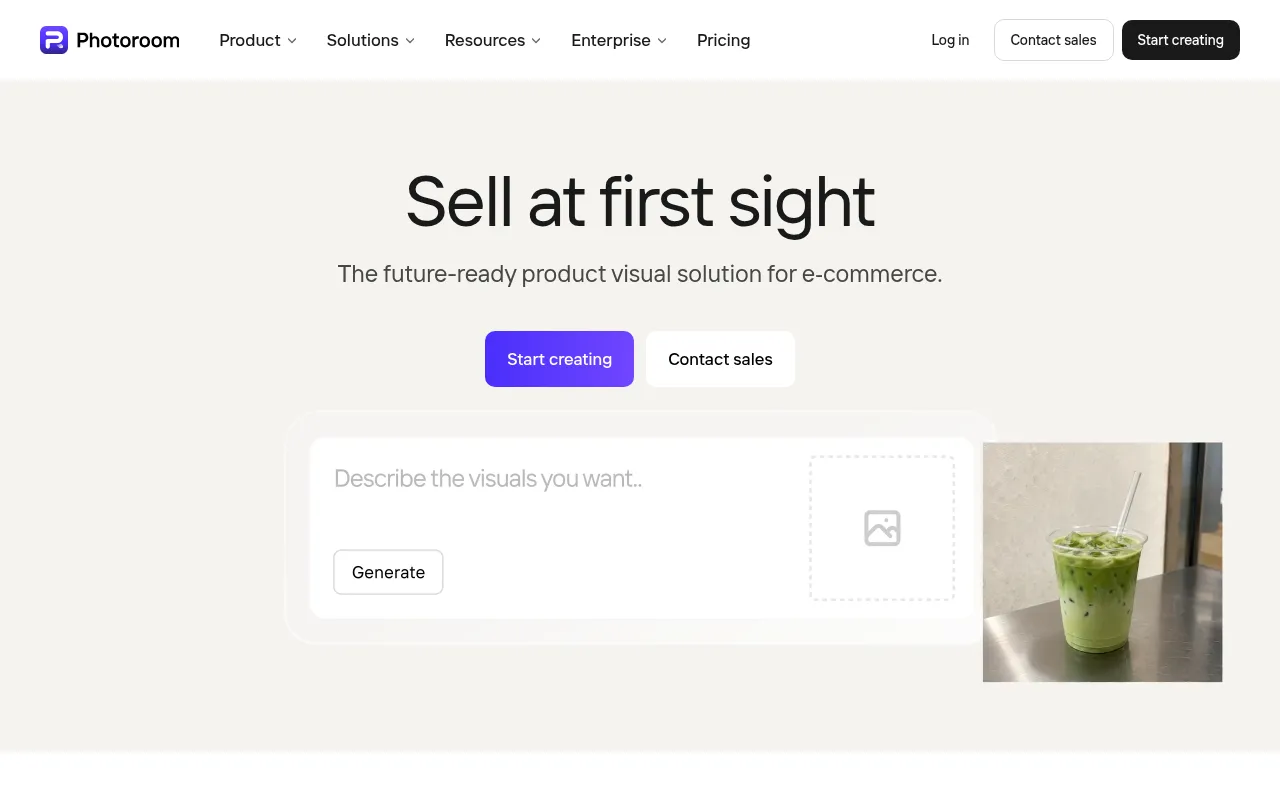
Photoroom is a background removal and AI background editor built for ecommerce listings, with a mobile app, web editor and API. For jewelry, its strength is speed. You cut out the piece, drop it on a generated surface such as marble, linen or velvet, and export marketplace sizes in batches. Because it keeps your original pixels and only replaces the background, it is less likely to redraw prongs or chain links than a fully generative tool.
The weak spot is the shadow and reflection it adds. A ring on marble needs a believable contact shadow and a faint reflection, or it looks pasted. Photoroom lists “Adjustable AI Shadows” as an Enterprise feature, so on the self-serve plans check the default shadow on every hero image.
- Pricing: Pro $7.50, Max $20.99 and Ultra $82.50 a month, billed yearly, on Photoroom’s pricing page. Pro and Max offer a free trial.
- Limits: Pro includes 8,000 AI credits and 1,000 exports a month, Max 25,000 credits and 3,000 exports, Ultra 75,000 credits and 10,000 exports.
- Jewelry note: only Ultra lists 4K images, which matters if your product page lets shoppers zoom into a stone.
Photoroom also moved into ad creative in 2025 with Visual Ads Automation, and TechCrunch’s report on Photoroom’s $43M funding round explains why it trains its own image models instead of relying only on third-party ones.
2. Claid: best for API batch processing
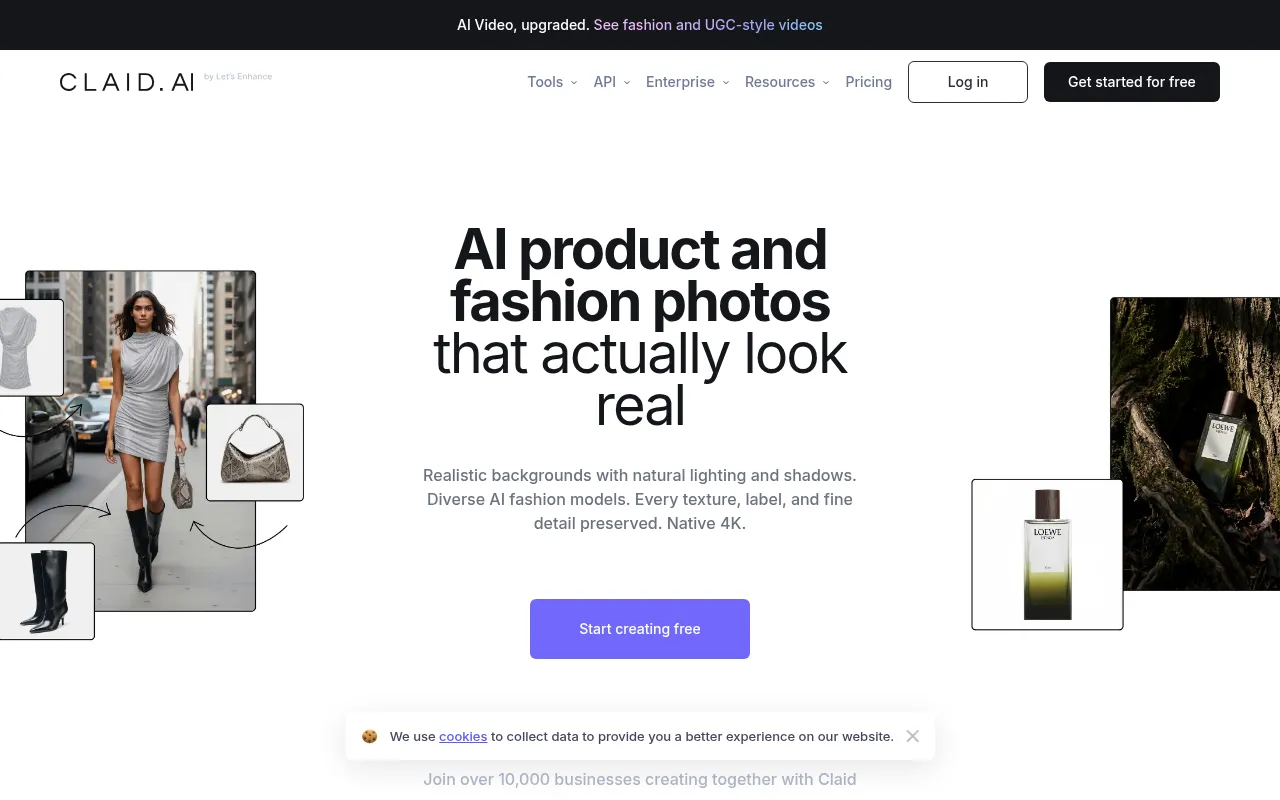
Claid is an AI product photo suite with background generation, upscaling, AI Photoshoot, AI Fashion and an API aimed at marketplaces and catalog teams. For jewelry catalogs with hundreds of SKUs, its value is consistency: the same scene template and lighting across a whole collection, run through code if you want.
Test its upscaler carefully on gemstones. Upscalers can add sparkle that isn’t in the stone, and that is a returns problem waiting to happen.
- Pricing: a free trial with 50 credits, then Essentials, Pro and a custom Business plan, with separate API pricing. Claid’s pricing page loads the dollar prices in the browser, so check it there for your billing period.
- Limits: Essentials covers up to 125 AI Photoshoot generations a month and Pro up to 500, at 4 credits each. Downloads go up to 64 MP on Essentials and 128 MP on Pro.
3. Flair AI: best for styled lifestyle scenes
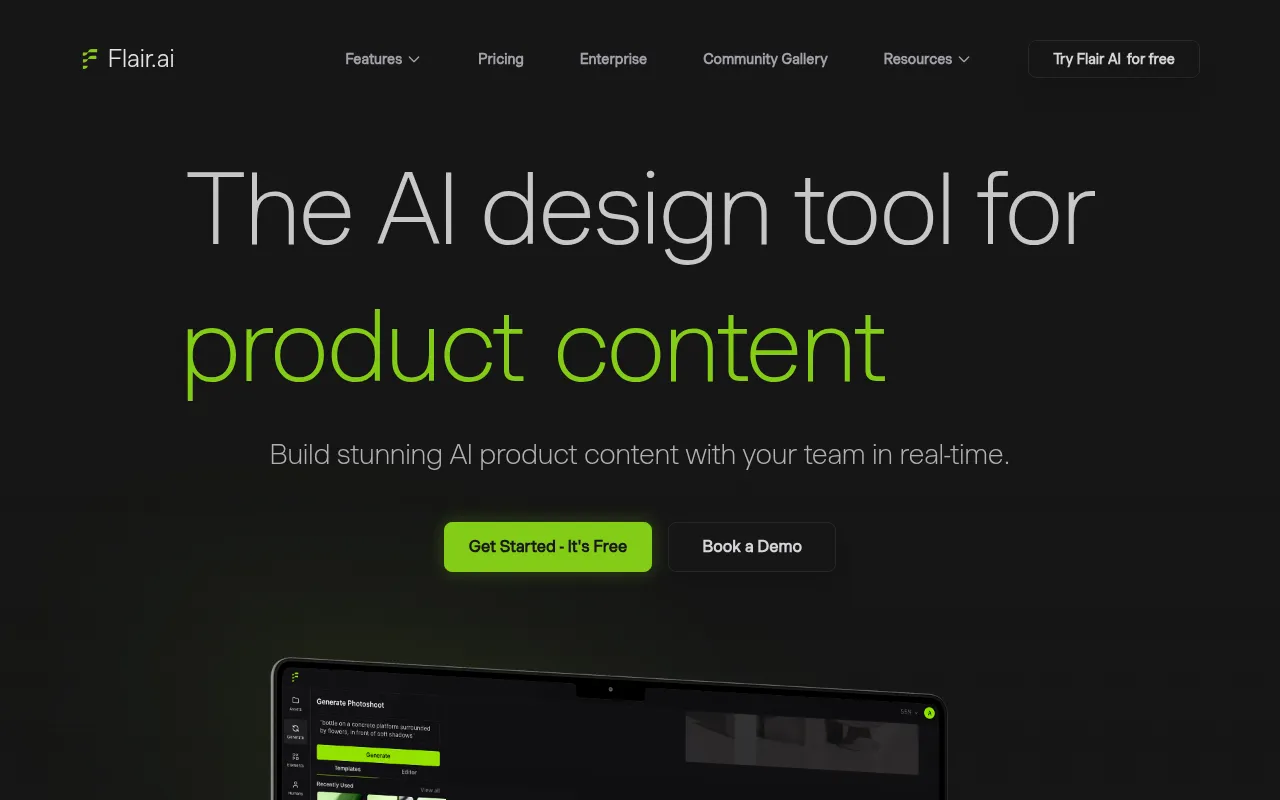
Flair AI is a canvas-style design tool for product content. You place your product and props on a canvas and generate a styled scene around them. That control suits jewelry flat lays, such as a necklace on a linen napkin next to a coffee cup, where composition matters more than the model. Flair also lists an AI Jewelry category and on-model photography among its features.
Before you commit, check whether the product layer stays untouched or gets regenerated at export. That one detail decides whether your prongs survive.
- Pricing: on Flair’s pricing page, Free is $0 (5 generated images), Pro is $8 a month, Pro+ is $26 a month (80 generated images) and Scale Tier 1 is $38 a month (150 generated images). The page has an annual discount toggle, so confirm the billing period at checkout.
- Rights note: Flair lists a “Company Commercial License” on Pro+ and above, not on Free or Pro. If the images go into paid ads, start at Pro+.
4. Pebblely: best for beginners on a budget
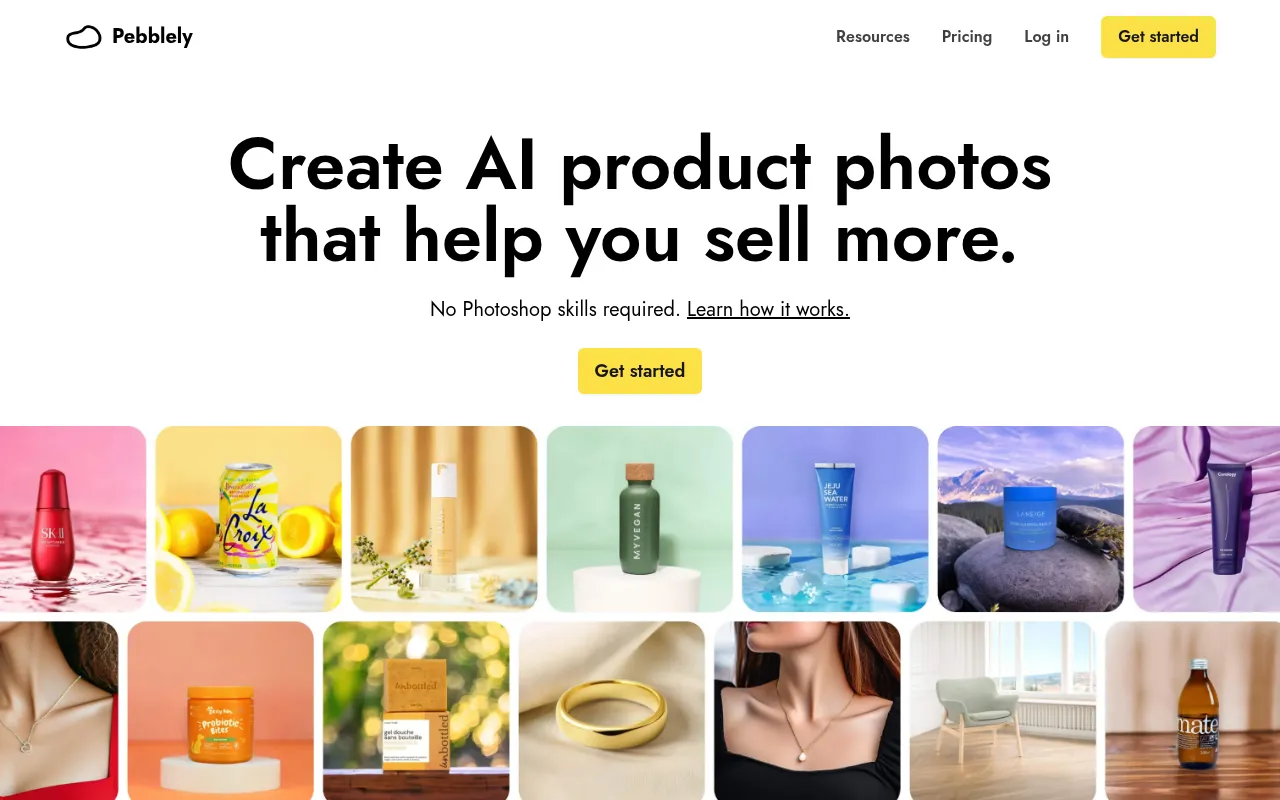
Pebblely generates product photos from a cut-out using preset themes, so you don’t have to write prompts. It is a fast way for a small jewelry store to get a batch of lifestyle variants. The trade-off is control: themes are generic, and fine metal reflections can look painted.
- Pricing: Lite US$9 a month for 30 images, Basic US$19 for 200 images and Pro US$39 for 500 images, on Pebblely’s pricing page. Yearly billing gives 2+ months free.
- What’s included: 40+ background themes and custom prompts on every plan, with bulk generation from Basic up.
5. Nano Banana Pro: best for on-model jewelry edits
Nano Banana Pro is Google’s name for Gemini 3 Pro Image, its reasoning-heavy image model for generation and conversational editing. Its strength for jewelry is reference-based editing. You upload the packshot plus a model photo and ask it to place the necklace at the collarbone at true scale, then fix details in follow-up turns. It also renders text well, which helps with engraved pieces. Every output carries Google’s invisible SynthID watermark.
Because it regenerates the image, check the piece at 100% zoom every time. Prong counts and chain patterns are exactly the small, high-contrast details any generative model can redraw.
- Pricing: on Google’s Gemini API pricing page, Gemini 3 Pro Image costs $0.134 per 1K or 2K image and $0.24 per 4K image, plus about $0.0011 per input image. There is no free API tier for it.
- Cheaper option: Nano Banana 2.1 costs $0.0504 per 2K image and $0.113 per 4K image on the same page. It is fine for volume, but keep Pro for the hard on-model edits.
- App access: in the Gemini app, access depends on your Google AI plan and region.
TechCrunch’s launch coverage, Google releases Nano Banana Pro, its latest image-generation model, covers the 2K and 4K output and the higher cost compared with the first Nano Banana. For a head-to-head on product work, read our Nano Banana Pro vs Midjourney comparison.
6. Midjourney: best for editorial mood shots
Midjourney produces the most editorial-looking images in this list, which makes it useful for campaign mood shots and social content. V8.2 has been the default version since 24 July 2026, and its Edit Model accepts reference images. It is still the weakest here at exact product fidelity, because it reinterprets your piece rather than preserving it. Use it for scenes and backgrounds, then composite your real product photo in.
- Pricing: Basic $10, Standard $30, Pro $60 and Mega $120 a month, or $8, $24, $48 and $96 a month billed yearly, on Midjourney’s pricing page.
- Rights note: companies grossing more than $1,000,000 a year must be on Pro or Mega to use the images commercially. Pro and Mega also add Stealth mode, which keeps unreleased designs off the public Explore page.
For ready-made prompts, see our Midjourney product photography prompts for V8.2.
Which tool should a jewelry brand pick?
| Your job | Pick | Why |
|---|---|---|
| Marketplace listings, white background, lots of SKUs | Photoroom or Claid | They keep your real pixels and batch well |
| Lifestyle flat lays | Flair AI, or Pebblely for speed | Canvas control or quick themes |
| On-model shots | Nano Banana Pro | Reference-based edits in plain language, checked at 100% zoom |
| Campaign mood | Midjourney | Strong aesthetics; composite the real product on top |
| Zoomable hero images | Photoroom Ultra, Nano Banana Pro at 4K, or Claid Pro | Photoroom Ultra and Nano Banana Pro list 4K output; Claid Pro downloads go up to 128 MP |
Most jewelry brands end up with two tools: a background editor for the catalog and a generative tool for on-model or campaign images. If you also sell clothing, our guide to the best AI fashion model generators covers tools built for garments.
Can you sell jewelry with AI product photos?
Yes, as long as the image shows what the customer receives. US consumer protection law treats a misleading product image like a misleading claim, so a stone that sparkles more, a chain that looks thicker or a setting with an extra prong is a returns and complaints risk. Our rule for client work: AI may change the background, light and scene; it may not change the product.
Before any AI image goes into a paid ad, check three things in the tool’s current terms and note the date you checked:
- Plan tier: which plan allows commercial use. Flair lists its company commercial licence from Pro+, and Midjourney requires Pro or Mega for companies over $1,000,000 in yearly revenue.
- Ownership: whether you own the output or get a licence to use it. Midjourney says you own what you create; Google’s Gemini API terms say Google won’t claim ownership of generated content.
- Likeness: whether uploaded faces or real models are allowed, and whether you have the model’s consent.
Rights terms change often, so re-check them before big campaigns. This is not legal advice; for high-spend campaigns, have counsel review the current terms. For the rules around AI people in ads, see are AI models legal for clothing brands.
How to shoot jewelry packshots that AI tools handle well
- Shoot on a plain mid-grey or white background with soft, even light.
- Use a macro lens or phone macro mode and shoot at the highest resolution you have.
- Shoot every angle you will need (front, side, worn), because AI should not invent angles.
- Keep a reference photo with a ruler for scale checks.
- Export lossless (PNG or high-quality JPG) before uploading.
A sharp source photo does more for the final image than any prompt. When the stills are approved, our guide to AI video ads covers turning them into short clips.
FAQs
What is the best AI jewelry product photography tool?
For listings, Photoroom or Claid, because they keep your real photo and only change the background. For on-model shots, Nano Banana Pro. For styled scenes, Flair AI or Pebblely, and for campaign mood, Midjourney with the real product composited in.
Is there a free AI jewelry photography tool?
Flair AI has a free plan with 5 generated images, Claid has a free trial with 50 credits, and Photoroom offers a free trial on Pro and Max. Free tiers are fine for testing, but check the commercial terms before using the images in ads.
Can AI put jewelry on a model?
Yes. Reference-based editors such as Nano Banana Pro and Flair AI can place a real piece on a model, but check scale, prongs and chain links at 100% zoom before publishing.
Does AI jewelry photography look fake?
It can, mostly in metal reflections and contact shadows. Start from a sharp real packshot and reject any output that changes the piece.
How much does AI jewelry photography cost?
As of 22 November 2026, Photoroom Pro is $7.50 a month billed yearly, Flair Pro $8 a month, Pebblely Lite US$9 a month and Midjourney Basic $10 a month. Nano Banana Pro costs $0.134 per 2K image through the Gemini API.
Is AI cheaper than a jewelry photographer?
Usually per image, but not always per usable image, because retries and retouching add up. Keep a real photographer for hero shots of high-value pieces and use AI for variants and lifestyle scenes.
Get help from Kreativemedia
Want jewelry visuals made for you instead of testing tools yourself? Contact Kreativemedia or see our AI static ads service. Tell us about your pieces and channels, and we will tell you whether AI, a real shoot or a mix fits your budget.