
AI video ads are short product or brand videos generated from a text prompt, a product photo or a reference clip, using models such as Kling, Seedance and Google’s Gemini Omni. As of 12 November 2026 the practical picture is simple: Kling 4.0 and Seedance 2.5 both generate clips of up to 30 seconds, Google’s Gemini Omni 1.2 Flash makes 3 to 15 second clips at $0.07 per second of 720p video through its API, and the rights you get depend on the plan and the platform you generate through, not on the model.
This guide covers which generator fits which kind of ad, what a clip really costs, what the terms say about paid ads, and the workflow we use to keep logos and labels from drifting. Prices and terms below were checked on each vendor’s own page, and every source is linked.
Quick verdict
- Best for: brands that need many short product videos every week, in several aspect ratios.
- Skip if: your ad needs legally reviewed claims or exact pack copy on screen and nobody will edit the output.
- Safe for paid ads: conditional. Paid Kling plans include commercial use; Seedance rights depend on where you access it; check the platform terms before you spend media budget.
- Biggest cost driver: retakes. Plan on the cost of usable seconds, not the sticker price per clip.
What changed in AI video ads this month?
Three releases reshaped the shortlist in the last few weeks.
- Kling 4.0 is out. Tom’s Guide reports that Kling 4.0 generates 30 seconds of footage natively, extends videos up to two minutes, accepts up to 10 keyframes and up to 15 multimodal references, and adds 10-bit HDR at 1080p and 4K. Tom’s Guide also notes that on-screen text and logos stay more stable, which is the detail that matters most for product ads.
- Gemini Omni 1.2 Flash is generally available. Google’s Cloud blog (5 November 2026) lists clips of up to 15 seconds, a price of $0.07 per second of 720p video, drafts at 360p or 720p with upscaling to 1080p or 4K, and conversational editing that lets you swap a product or change the lighting without starting over. Every output carries an invisible SynthID watermark.
- Google Ads now generates video inside Asset Studio. Google’s Creative Drop #2 says advertisers can create horizontal, vertical and square videos for YouTube and Google campaigns with Gemini Omni 1.2.
One more change for anyone on the Gemini API: Google’s video generation docs state that the Veo 3.1 Preview endpoints in the Gemini API have been shut down and point developers to Gemini Omni Flash instead. If an older workflow of yours calls a Veo preview model ID, it needs updating.
AI video ad generators compared
| Model | Clip length | Audio | Where you use it | Commercial use | Pricing reference |
|---|---|---|---|---|---|
| Kling 3.0 | 3 to 15 s | Native audio | kling.ai, API, resellers | Paid plans only | 4K at 30 credits per second (Kling guide) |
| Kling 4.0 | Up to 30 s native, extend to 2 min | Yes | kling.ai, Higgsfield, other resellers | Paid plans only | Same membership plans as 3.0 |
| Seedance 2.5 | Up to 30 s | Depends on platform | Dreamina, BytePlus ModelArk, Higgsfield, Runway | Depends on access route | Set by each platform |
| Gemini Omni 1.2 Flash | 3 to 15 s | Native audio | Gemini API, Google Cloud, Flow, Vids, Google Ads | Under Google’s terms for the product you use | $0.07 per second at 720p (API) |
| Higgsfield | Model-dependent | Model-dependent | higgsfield.ai (aggregator) | Check Higgsfield’s terms | See Higgsfield pricing |
Specs and prices checked 11 and 12 November 2026 on the sources linked in each section. Vendors change credit rates and promotions often, so confirm the live panel before a big run.
What are AI video ads?
AI video ads are paid social, YouTube or CTV creatives where some or all of the footage comes from a generative model instead of a camera. In practice we see four formats:
- Product hero clips. A packshot turned into a 5 to 15 second video: a bottle rotating under studio light, a sneaker landing on wet concrete. This is image-to-video, and it is where Kling, Seedance and Gemini Omni compete hardest.
- UGC-style B-roll. Hands opening a box, a pour, a swipe on a phone. Short cutaways that sit between real creator footage or an avatar read. Our AI UGC ads guide covers how these fit together.
- Avatar talking heads. A scripted presenter reading a hook. Tools like Arcads and HeyGen specialise here; see HeyGen vs Arcads and our Arcads review.
- Motion statics. An existing static ad with gentle motion added: floating ingredients, a slow camera push, moving light. Cheap to make and often the fastest win for an account that only has static creative.
Which AI video generator is best for product ads?
There is no single winner, because each model is strongest at a different job. Here is how we match them in client work.
Kling for controlled product motion
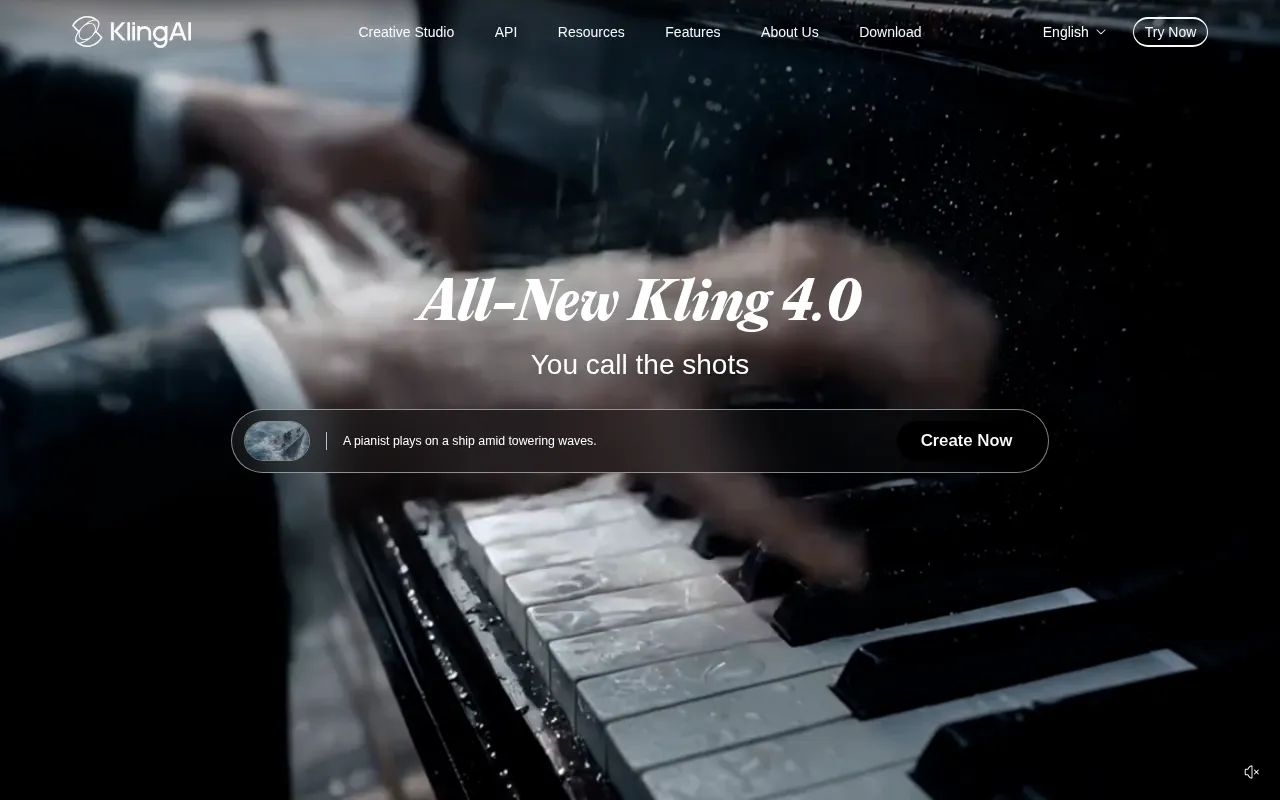
Kling is the default choice when a shot has to follow a plan. Kling 4.0’s keyframes let you pin where the product appears and when the scene changes, and its reference inputs help hold the look of a pack across shots. Paid plans include commercial use, which keeps the rights question short.
Seedance for long, reference-heavy scenes
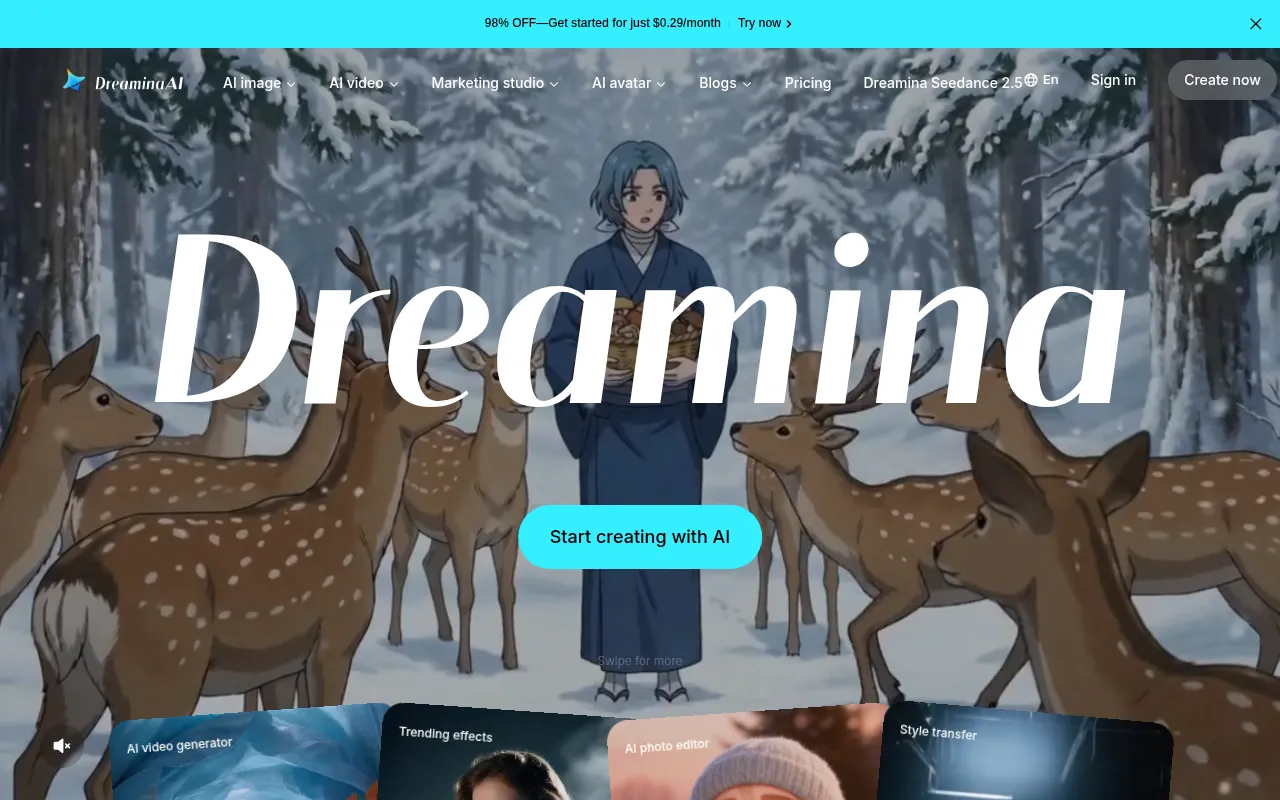
BytePlus says Seedance 2.5 supports clips of up to 30 seconds and up to 50 multimodal references for a single clip, plus edits to specific timestamps or characters without regenerating the whole scene (BytePlus). That makes it strong for lifestyle sequences with several products. The catch is rights, covered below. Our Kling vs Seedance comparison goes deeper on the trade-offs.
Gemini Omni for fast variants inside Google’s stack
Gemini Omni 1.2 Flash is built for volume. Google pitches the conversational editing for producing ad variants: change the backdrop, the product or the aspect ratio on the same clip. Google itself says the model still needs work on fast sports action and complex physics, so it is a weaker pick for sport and fitness brands. If your team already lives in Google Ads, trying it in Asset Studio costs nothing but time.

Higgsfield when you want several models under one login
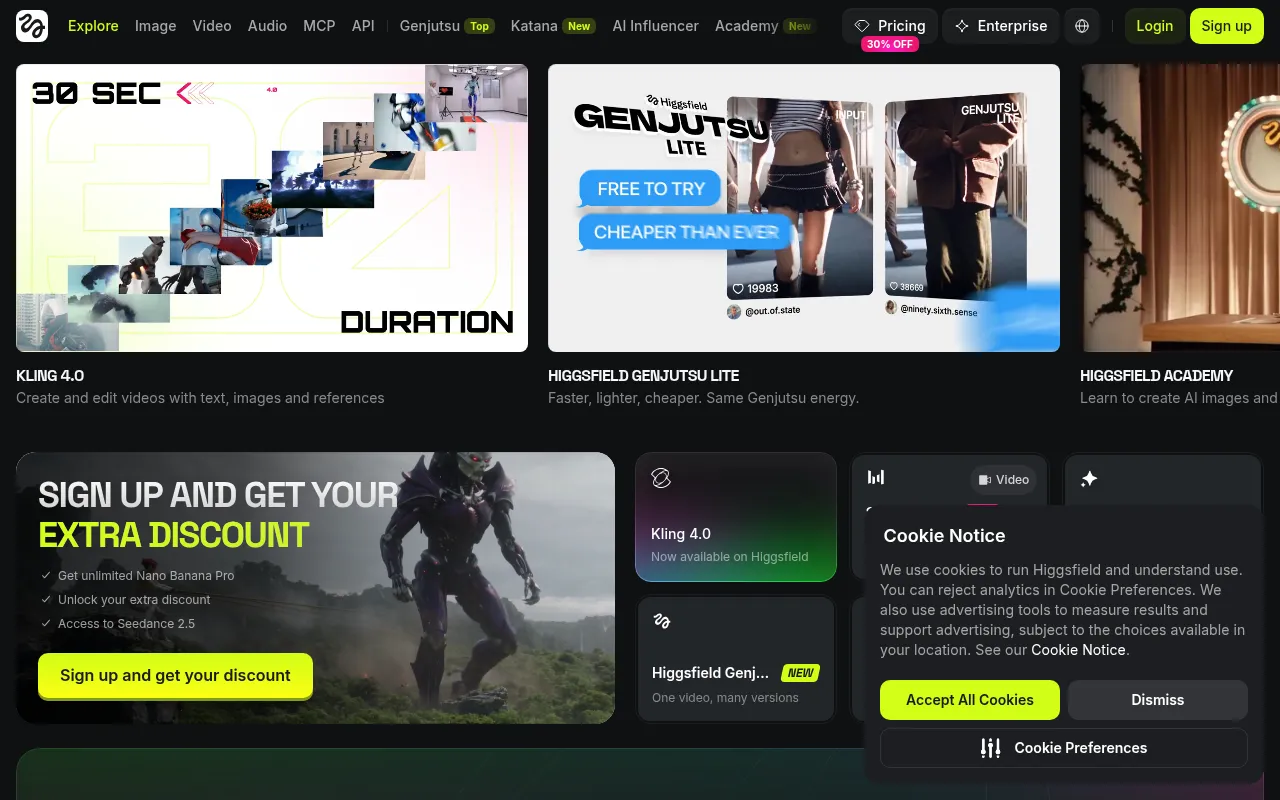
Higgsfield is an aggregator rather than a model. Its homepage currently lists Kling 4.0 and Seedance 2.5 access, which is handy for testing the same brief on both. You are bound by Higgsfield’s terms as well as the model’s, so read both. Our Higgsfield review covers its credits and plans.
How much do AI video ads cost?
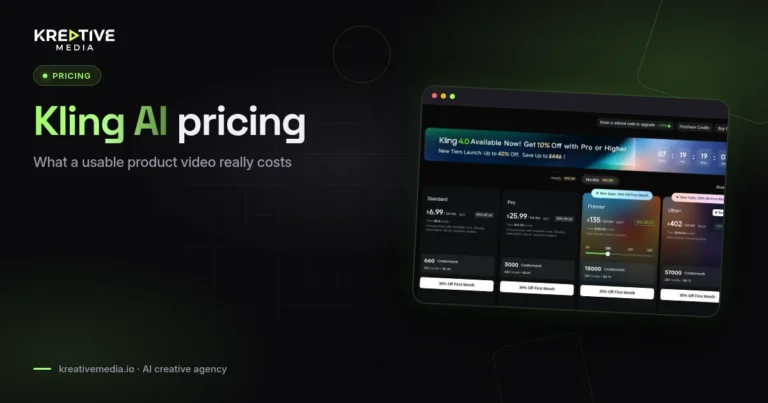
Kling’s membership page, captured on 11 November 2026, showed these monthly plans after the first-month discount for new subscribers ends:
| Kling plan | Monthly price after first month | Credits per month | Commercial use |
|---|---|---|---|
| Basic | $0 | No monthly credits | No |
| Standard | $8.80 | 660 | Yes |
| Pro | $32.56 | 3,000 | Yes |
| Premier (default tier) | $181.99 | 18,000 | Yes |
| Ultra+ | $544.99 | 57,000 | Yes |
Kling’s own credit cost guide, checked 12 November 2026, confirms the Standard and Pro renewal prices and credit counts, says the free Basic plan’s “generated content is not for commercial use”, and lists native 4K output for the Kling VIDEO 3.0 series at 30 credits per second. So a single 5-second 4K clip uses 150 credits, close to a quarter of a Standard month. Premier also comes in other credit sizes on a slider, and first-month promotions change often, so check the membership page before you commit.

Google’s pricing is per second instead of per credit. At $0.07 per second of 720p video, a full 15-second Gemini Omni 1.2 Flash clip comes to $1.05 through the API before upscaling.
Neither number is the real cost of an ad. The figure that matters is cost per usable clip:
Cost per usable clip = (plan price ÷ plan credits) × credits used across all attempts ÷ clips you would actually run.
If a shot needs four tries before the label reads cleanly, your cost is four times the sticker price. Track it per brief for two weeks and you will know which model is cheapest for your products. For full budget breakdowns, read Kling AI pricing and how much AI video ads cost, including the agency option.
Can you use AI video in paid ads legally?
Yes, if the plan and platform you generate through grant commercial use. The model name alone tells you nothing.
- Kling: the credit guide marks every paid plan “generated content is for commercial use” and the free Basic plan “not for commercial use”. Never run free-plan Kling output in a paid ad.
- Dreamina (ByteDance’s consumer app for Seedance): the Dreamina Terms of Service, last updated 22 January 2026, say the services are “generally provided for private, non-commercial use” and ask users not to “access or use the Services or any content therein for any commercial or unauthorized purposes”. Dreamina’s pricing FAQ adds that commercial eligibility “depends on the applicable Dreamina terms, the content you create, and the models or assets involved”. Read that as: get written confirmation before running Dreamina output as an ad.
- BytePlus ModelArk (enterprise API): BytePlus positions Seedance 2.5 as enterprise-ready and adds C2PA Content Credentials plus controls on generating video from real faces, but notes that BytePlus “is not available in the United States”.
- Resellers: platforms that resell Seedance or Kling apply their own terms. Creatify, for example, states on its pricing page: “You own all of your creatives, even after your plan ends.”
- Google: Gemini Omni outputs carry SynthID, so platforms and tools that check for it can identify the clip as AI-generated.
Our working rule for client accounts: we only ship output generated through a plan or platform whose terms grant commercial use in writing, and we save a copy of those terms with the campaign files. This is general information, not legal advice. For the full rights breakdown see is Seedance safe for commercial use, and for disclosure rules on Facebook and Instagram read do you need to disclose AI UGC ads on Meta.
How do you write prompts for product videos?
Product prompts fail when they describe a mood instead of a shot. A prompt that works reads like a line from a shot list:
- Subject and product first. Name the exact product and its packaging: “a 50 ml amber glass serum bottle with a white dropper cap”.
- One camera move. “Slow push-in” or “orbit left at product height”. Two moves in five seconds usually produce wobble.
- Light and surface. “Soft key light from the left, wet black stone surface, shallow depth of field”.
- Action with physics. “A single drop falls from the dropper and lands on the stone.” Liquids and fabric are where models break, so keep the action small.
- What must not change. “The label text stays sharp and readable throughout.”
Start from your best product photo as the first frame, generate at the lowest resolution that lets you judge the motion, then upscale only the takes you will run.
How do you keep logos and labels consistent?
Label drift is the most common reason a generated product clip gets rejected. What helps:
- Feed clean references. A sharp, front-on product image on a plain background beats a lifestyle photo. Gemini Omni 1.2 Flash and Kling 4.0 both lean on references for consistency, and Google says Omni keeps “products, characters, and brand details consistent from shot to shot”.
- Use keyframes for long shots. In Kling 4.0, pin the product’s position at the start and end of a move instead of letting the model guess for 30 seconds.
- Keep the label facing camera. Full rotations are where text melts. A 30 degree turn is far safer than 360.
- Fix it in the edit. For anything with legal copy, track the real label or logo onto the generated bottle in your editor. It is faster than rerolling ten times.
- Review frame by frame. Scrub the clip at full resolution before it goes to the ad account. Misspelled pack copy in one frame is enough for a rejection or a complaint.
A production workflow for AI video ads
This is the order we run briefs in, and it keeps credit spend predictable.
- Brief: one product, one hook, one call to action, and the placements you need (9:16, 1:1, 16:9).
- Stills first: lock the hero frame as a still image before any video credits are spent.
- Short test run: generate two or three short drafts per model at low resolution and pick the one that holds the label.
- Final generation: upscale or regenerate the winning take at delivery resolution.
- Edit: add captions, the real logo, music and the offer. Most winning ads are edited, not raw generations.
- Compliance check: confirm plan rights, platform disclosure settings and claims on screen.
- Launch and measure: judge by hook rate and cost per result, then feed the winner back into the next brief.
How to judge an AI video tool before you commit
Run the same small set of briefs on every tool you are considering, so the comparison is fair. These five briefs cover the common failure points for product ads (our research process explains how we check sources):
- A skincare bottle hero shot, turning a packshot into a 5-second video.
- A UGC-style talking head with a three-line hook, holding the product.
- A garment in motion on a model.
- A beverage pour, to test liquid physics.
- Logo and label legibility through a camera move.
Generate each brief three times at 9:16 with the same prompt and reference image, then score product fidelity, prompt adherence, motion, human realism, ad readiness and consistency. Weight product fidelity highest, because a beautiful clip with the wrong label cannot run. Add the cost per usable clip next to each score and the right tool for your catalogue usually becomes obvious.
FAQs
What is the best AI video generator for ads?
It depends on the job. Kling suits controlled product motion and its paid plans include commercial use. Seedance 2.5 handles long scenes with many references, but rights depend on where you access it. Gemini Omni 1.2 Flash is the fastest route to many variants if you already run Google Ads. Test your own product on two of them before you commit.
How long can AI video ads be?
Kling 4.0 and Seedance 2.5 generate up to 30 seconds in one clip, Kling 3.0 and Gemini Omni 1.2 Flash up to 15 seconds. Longer ads are still usually edited together from several clips.
How much does one AI video ad cost?
The generation itself can cost around a dollar: a 15-second Gemini Omni 1.2 Flash clip is $1.05 at the 720p API rate, and Kling’s Standard plan is $8.80 a month for 660 credits. Retakes, editing and review time are what move the real cost, so track cost per usable clip.
Can I use free-plan AI video in paid ads?
Not with Kling: its free Basic plan is labelled not for commercial use. Other tools vary, so read the terms of the exact plan and platform you used before the clip goes into an ad account.
Do AI video ads need labels on Meta?
Meta can label AI-generated or AI-edited content, and some ad formats ask you to disclose it. The rules differ by ad type, so see our guide to AI disclosure for UGC ads on Meta.
Can AI keep my product label readable?
Often, but not reliably. Clean reference images, small camera moves and keyframes help. For legal copy, overlay the real label in the edit and check every frame before launch.
Is Veo still available for video ads?
Google’s Gemini API docs say the Veo 3.1 Preview endpoints there have been shut down and recommend Gemini Omni Flash. Google Ads Asset Studio now uses Gemini Omni 1.2 for video creation.
Get help from Kreativemedia
Want AI video ads made for you instead of testing every tool yourself? Contact Kreativemedia with your last 10 Meta ads and we will suggest two AI video storyboards for your product.

Jitendra Vaswani is an SEO expert, AI and marketing professional, and the founder behind Kreativemedia. He started BloggersIdeas in 2013, runs AffiliateBooster and SchemaNinja, and through DigiExe has worked with 1,400+ clients across 28 countries. He is the international bestselling author of Inside A Hustler’s Brain (20,000+ copies) and has spoken at Affiliate Summit, Affiliate World, DMSS and TES. Find him at jitendra.co.